
There seems a lot of furore this week over Amazon and its decision to remove a feature called “Download and Transfer” which enabled people to download Kindle books and transfer them to their devices via USB and save a copy remotely. A feature that served other purposes too making is useful for people to back up copies of ‘their’ books but also piracy too. The books are downloaded with DRM protections which can be removed through various ways. The removal of this feature has caused concern about rights and digital ownership, something people often overlooked. Since the days of iTunes and iPods you don’t own a digital purchase, you merely have a license to access it whether its a download or stream. In today’s world where digital purchases are more common people are now realising that you don’t actually own what you buy whether its a track, book, movie or video game. Almost all digital purchases are licenses to access rather than ownership. For example to play Gran Turismo 7 on the PS5 you need to be online depsite downloading the game it won’t play unless it verifies your account and is always online.
Unless you download a copy and remove the DRM protections, it has been this way all along but people didn’t realise or read the small print and assumed your purchase is yours to keep. It exists as long as the provider provides it. Like Flixster which used to offer digital movies and closed down but that did allow downloading of all movies prior to closure and moving purchases to a different site.
As a Kindle owner going forward I am affected by this, I have over 5000 books I have purchased over the years and all along since I first got an iPod I have religiously backed up iTunes purchases and e-book purchases. My first e-reader device was a Sony PRS-650 e-reader which had its own proprietary store and allowed side loading of books providing there are no DRM on the files. The files were .epub files that had Adobe DRM. No biggy, there are ways around it. I never had a problem buying and backing up. I then switched to Kindle and maintained the same thing to backing up my library. Whatever the book and format and DRM there have been ways around it until now. Now I am seriously considering my future purchases and whether I will be purchasing from Amazon going forward or not. The problem is I am well entrenched in the Amazon/Kindle ecosystem both in terms of convenience and cost. I know it is only a matter of time until people work out how to remove the DRM from the current e-book format, or maybe a matter of time until side loading on a Kindle is removed.
As such I have experimented buying one or two books from Google Play Books. The prices are reasonable but it doesn’t have the selection of Amazon and Kindle but there are some books there that were unavailable on Kindle. For example The Passenger: South Korea was a book that was available for pre-order but removed on Kindle but I found it on the Google Store. I purchased it to try and see how easy it is to back up and convert it for use on Kindle and how well the conversion goes and appears on a Kindle Colorsoft device. It feels full circle as I am back to Adobe DRM removal and it gives you an .epub file which you can then upload to your Kindle library via Amazon’s SendToKindle service.
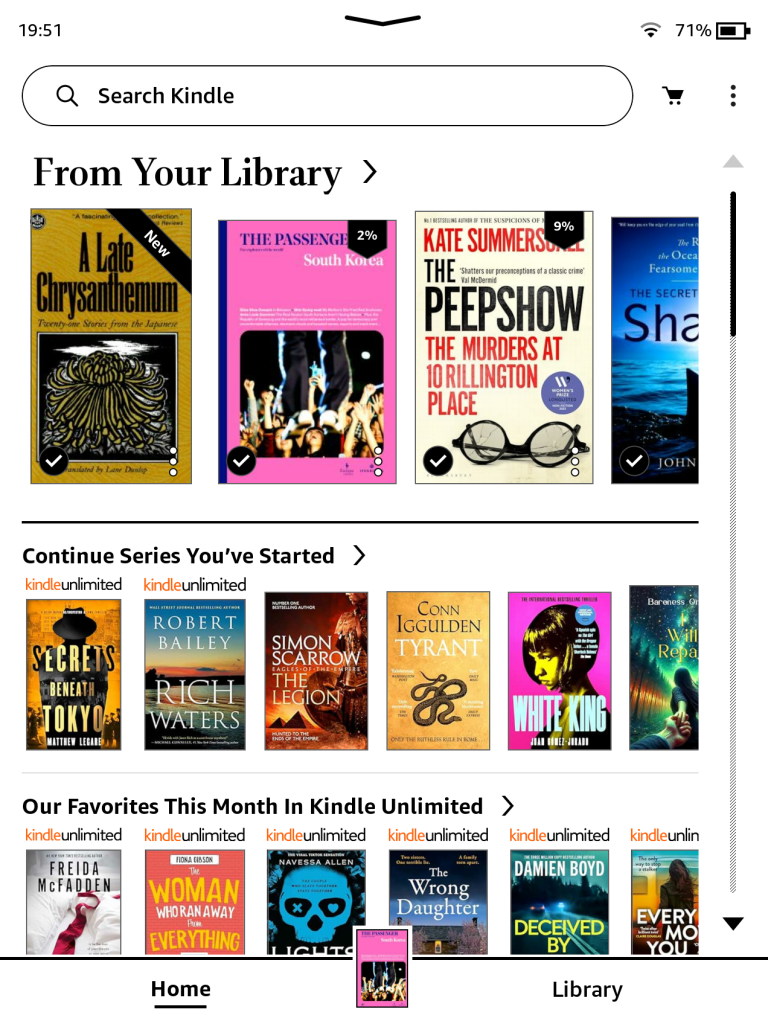
As you can see it has worked really well, three of the books were sent via the method above (except The Peepshow) and they work perfectly. The photos on The Passenger: South Korea have lost no clarity and everything works as it should.
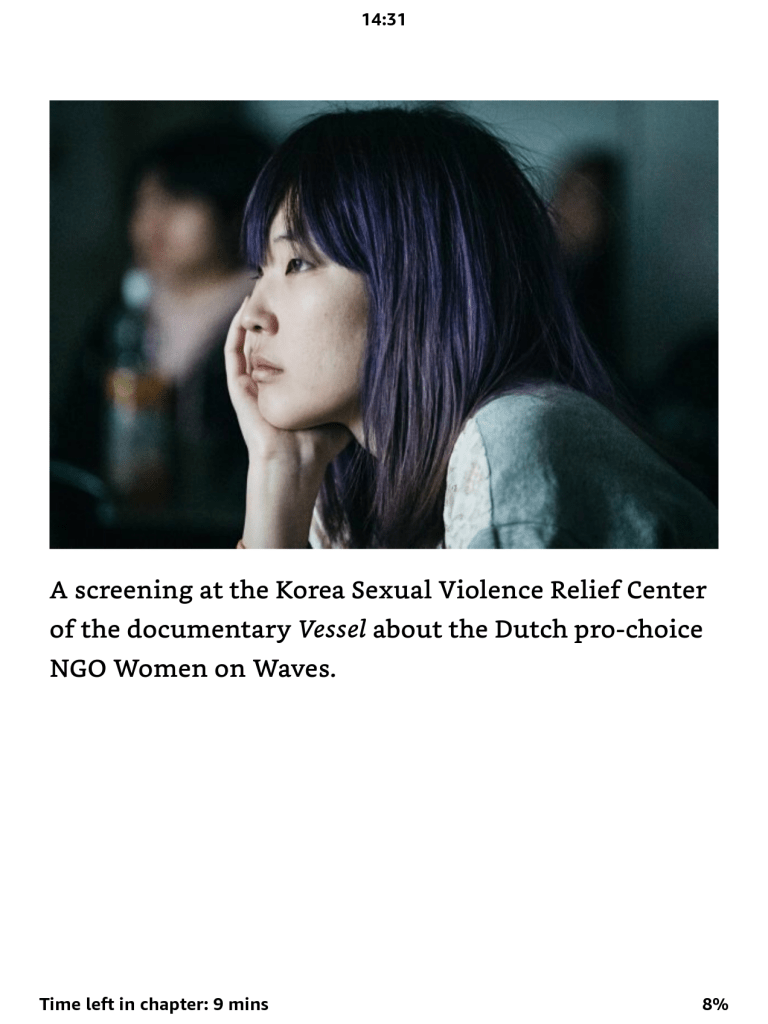
For me until the KFX-ZIP format of Kindle is cracked this is how I am going to be purchasing my books going forward, especially those that are new releases and full prices. It isn’t perfect but it works. It seems too the Amazon Kindle Monthly deals carry over for the most part onto the Google Play Books Store but the Kindle Daily Deals do not. I may stick to Kindle if it benefits me in terms of a Daily Deal or Whispersync.

