
I feel this year is going to be a slow reading year this year and being a compulsive book buyer I am always acquiring more than I read so I was doing some thinking about how to explore my library and get the most from it. I am a dual media reader having both digital (Kindle and audiobook) and phyiscal copies of books. The audiobook library is fairly easy to nagivate, as is the physical, but the digital library is a big pain to navigate through 6000 + (shocked me too!) books. You never remember every book you buy and most get lost in the shuffle.
I had a brainwave! I will make a spreadsheet of my library and from that use a random number generator to help choose my next read. To my surprise there is no quick and easy way to export your Kindle library. So for a few hours I had to scroll the entire library until it loaded every book and then select all, copy & paste. Unintuitively it pastes as a single column and for example the titles were odd cells and the authors even. So after a chat with AI (one of the few times I have used AI with success). I discovered how to create smart filters and be able to select the data and copy and paste them to be how i wanted it. To my surprise it worked.
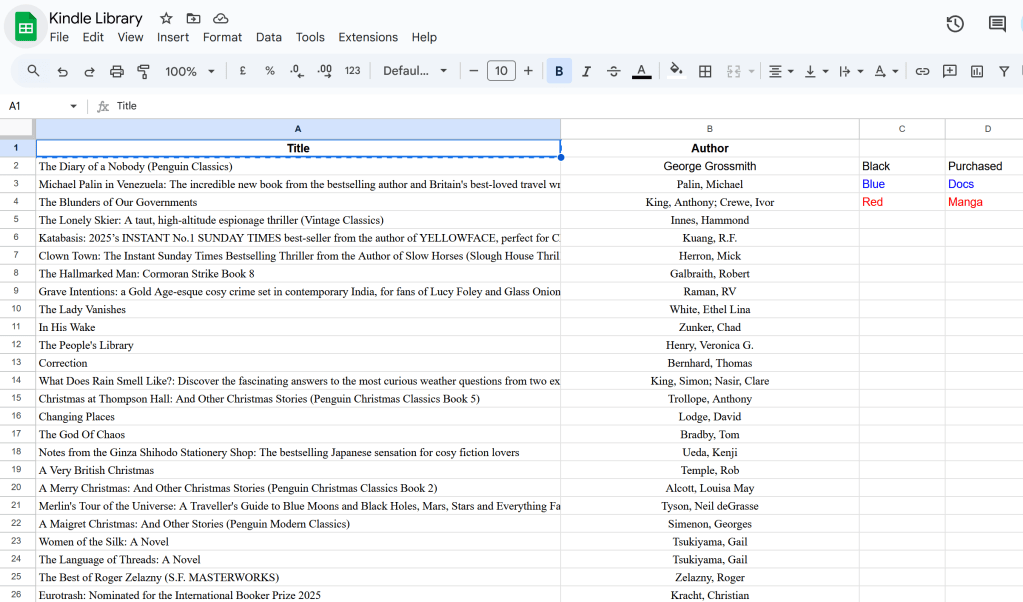
I am happy with it and I have decided to colour co-ordinate my library with default black being purchased books, blue being docs (mostly books purchased elsewhere online) and red being manga.
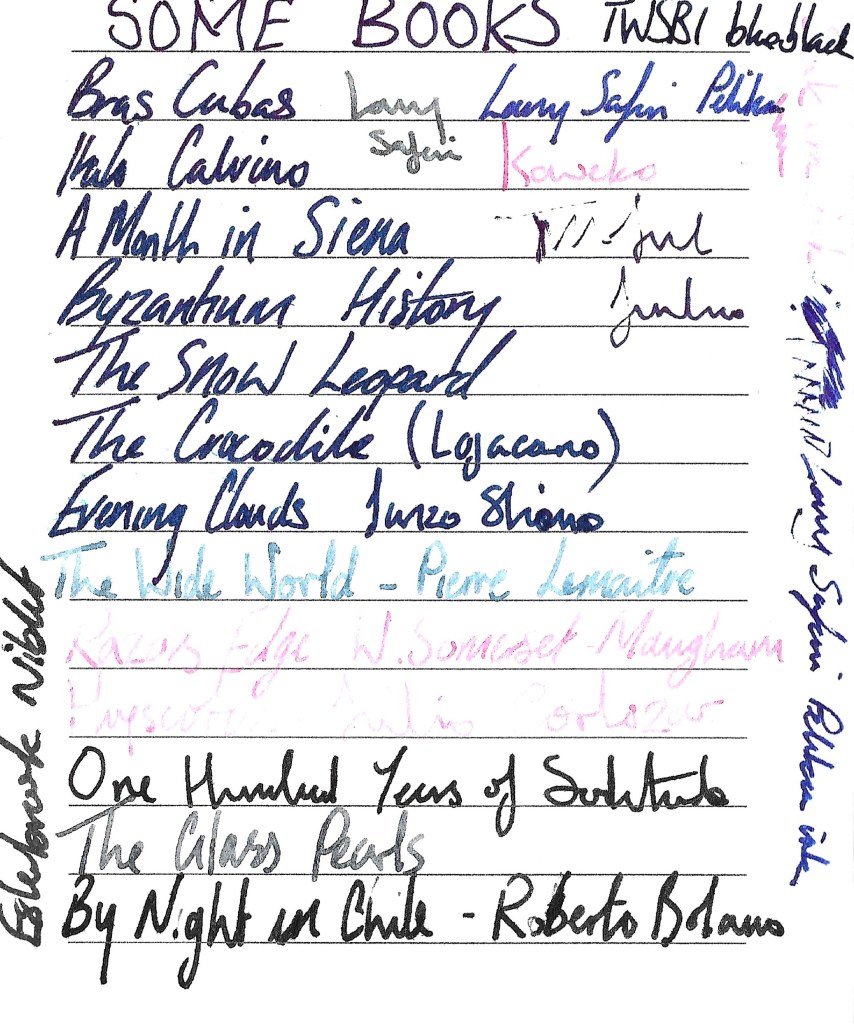
I have tried it a few times and as you can see from my notes it has thrown up an interesting mix of books. Many I have forgotten about and not looked at since I purchased them. It will be fun to see what books it throws up when I decide to use it.
I will try to keep my library updated going forwards, it will only be laziness that prevents me.

